How to promote a new release on Instagram and TikTok.
You do not need a different idea each day. You need one track, a few clips cut from it, and a plan for where each one goes. This is the plan we would use.
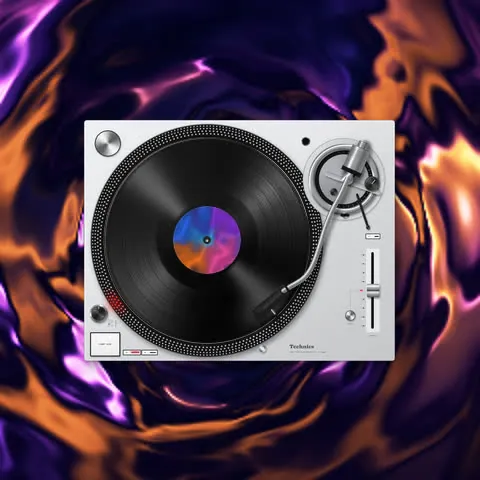
Opens with a turntable and 9:16 ready. Free to design, sign in only to export.
Make everything once
Design the video one time, with your cover and the best 15 to 30 seconds of the track. Then export it in every shape you need from the same design: 9:16 for Reels and TikTok, 4:5 for the Instagram feed, 16:9 for YouTube, and a Canvas for Spotify. With Pro you can tick several formats and get them all in one export.
Two weeks before
- Post the hook as a short 9:16 clip, a record on a deck, two or three times over the fortnight. Change the gear each time: a Technics deck, then a CDJ, then a plain pressing.
- Say the release date in the caption. Say where to pre-save in your bio: write the address in plain text, since captions on Instagram and TikTok do not carry clickable links.
- Use a short clip so it loops. Fifteen seconds is enough to hear the idea.
Release day
- Post the 9:16 clip as a Reel and a TikTok, and the 4:5 as a feed post. Same design, so people recognise it.
- Put your Story on the same clip and link the track.
- Update the link in your bio to the streaming address. Your Spotify Canvas can already be on the track: Spotify lets you add one to an upcoming release.
The week after
- One new clip a week, from a different part of the track, on different gear: the iPod for a late-night track, the Walkman for anything lo-fi.
- Repost anyone who posts the track, with credit. It is the cheapest content you will get.
- Look at which clip people watch to the end and make another like it.
Two things to check first
The sound. Ask your distributor whether it delivers the track to the TikTok and Instagram sound libraries, and when. Once it is there, people can use your track in their own videos. Until then, a video with the track inside it, which is what AudioAnimate makes, is the way to put it out.
The rights. Post only music you own or have permission to use. A track you only remixed can be muted or removed.
AudioAnimate makes the videos. It does not schedule posts or publish for you.
Questions
- How many videos should I post for a release?
- There is no magic number. A teaser or two before, a clip on release day in each format, then one a week for a few weeks is a plan you can keep up.
- Which format for Instagram and TikTok?
- 9:16 for Reels, TikTok and Shorts, 4:5 or 1:1 for the Instagram feed, 16:9 for YouTube. Pro exports several at once.
Try it with your own track.
Drop a cover and a song in the studio. Everything is open to try, and nothing to pay until you export.